


Employee survey software HR can set up alone
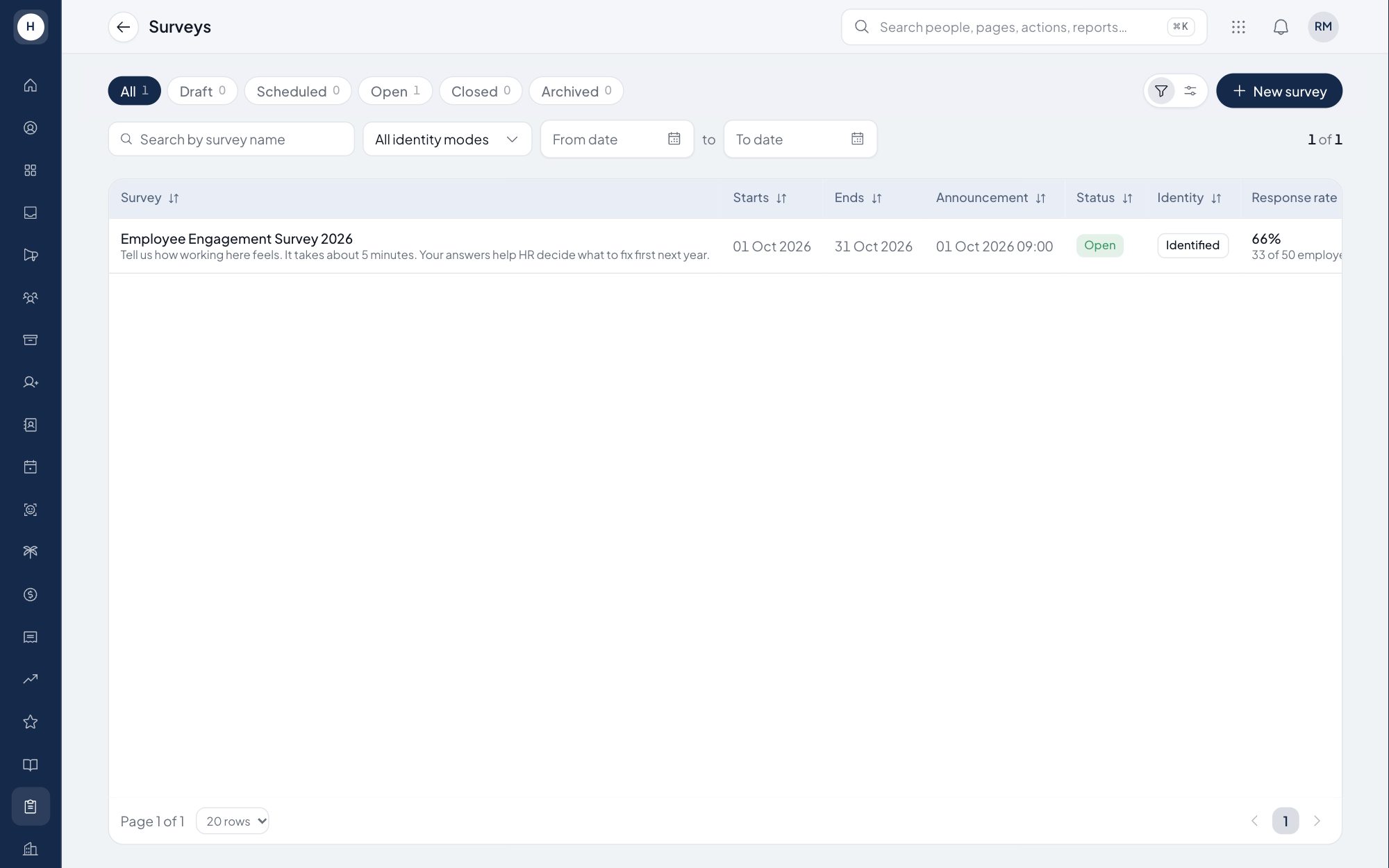
HR often needs to ask employees directly, for example about job satisfaction or the staff canteen. With surveys in Stavis, HR writes the questions without help from IT. Each employee answers once, and the results show up in the report right away.
What you can do
Survey builder
Build a survey in sections with rating, open text, yes or no, single choice and multiple choice questions. Set the opening and closing dates.
An easy answer sheet
Employees answer on one numbered sheet with 1 to 5 star ratings. Skipped questions are marked before the form is sent.
One response per employee
Each employee can submit once. A survey can be identified or anonymous, and an anonymous survey never shows who answered.
Report and CSV export
See the response rate, average score, the answer spread per question and a department heatmap for identified surveys. Export to CSV or print.
How it works
- 1
Build the survey
Write the title, sections and questions, choose identified or anonymous, and set the survey period.
- 2
Publish it
The survey opens to employees on its start date, and an announcement linking to it can be scheduled.
- 3
Read the report
Follow the response rate while the survey runs, then read results by section, by question and by department.
Frequently asked questions
What question types does this employee survey software support?
Rating or scale, open text, yes or no, single choice and multiple choice, grouped into sections.
Can an employee survey be anonymous?
Yes. In an anonymous survey the respondent's name is not stored with the answers and the report is not split by department.
How do I see survey results by department?
For identified surveys, the report shows a department heatmap. Departments with fewer than 5 respondents are hidden.
Can I export survey results?
Yes. The report exports to CSV with one row per question, or you can print it from the browser.
See Stavis with your own company
Bring one department, one shift pattern and one month of payroll. We will walk through it with you.
